 Hypesoul
How to install and start
Six short steps from the first click to your first partner.
- 1
Click Install
Press the Install button on this site. Shopify opens and asks you to sign in to your store.
The install button - 2
Approve the app
Check the permissions (read orders, manage discounts and read products) and approve the plan and the usage cap.
- 3
Open the dashboard
The app opens in your Shopify admin. The checklist at the top shows what to do first.
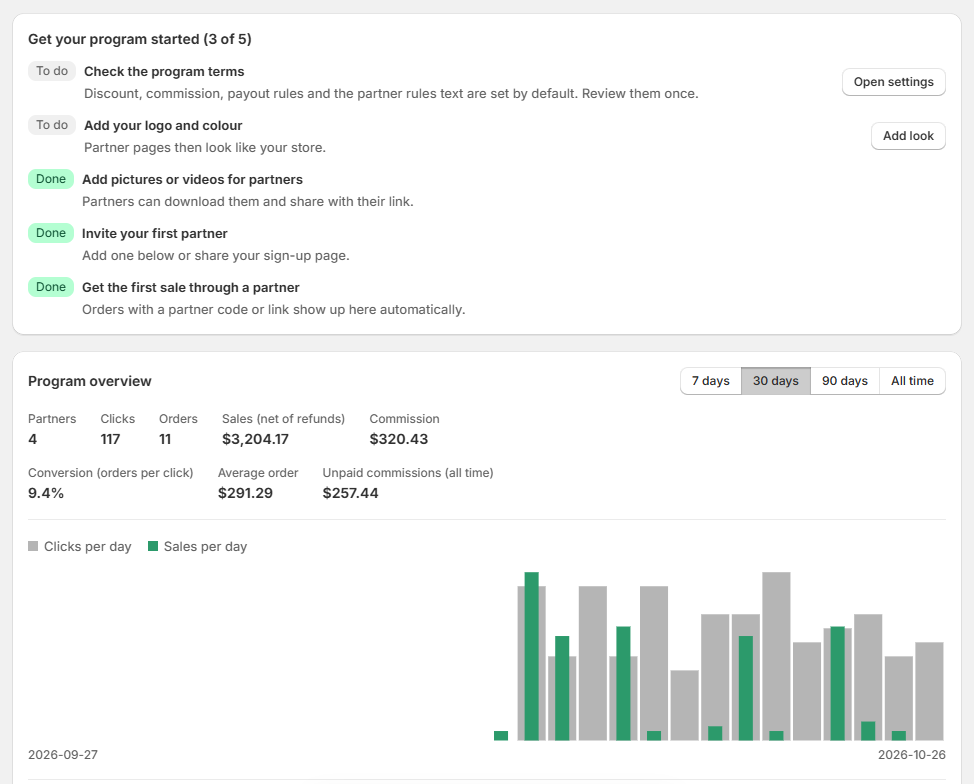
Dashboard with the launch checklist - 4
Set your program
In Settings choose the commission, the shopper discount, the waiting period, the minimum payout and the payout methods you offer.
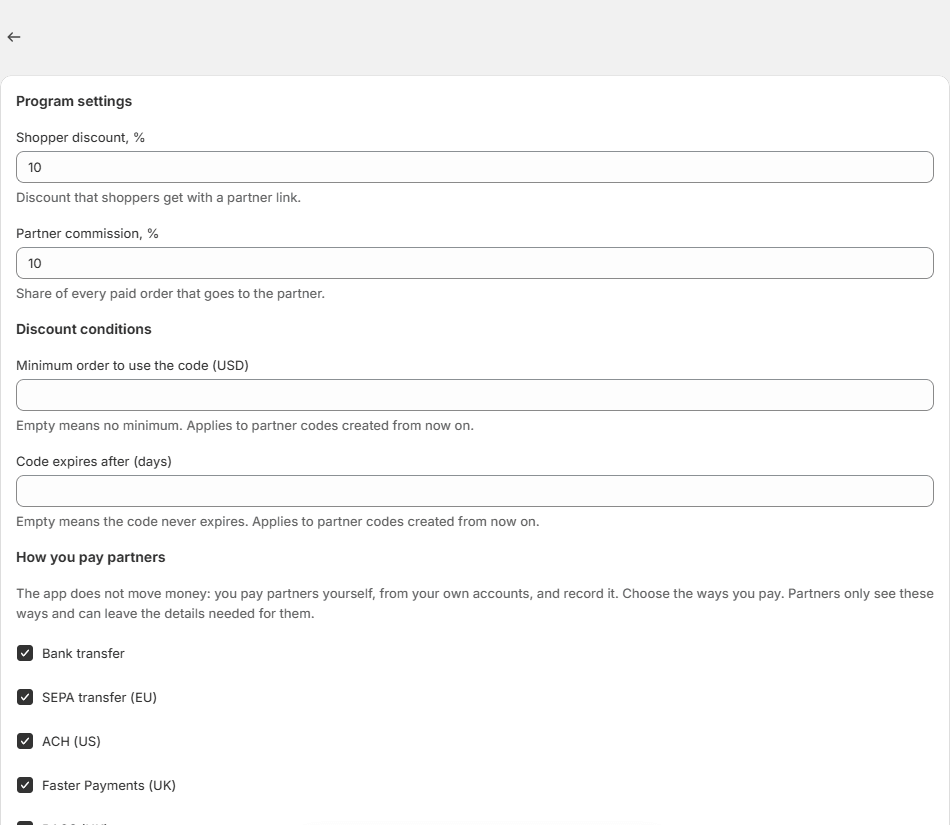
Settings page - 5
Share your sign-up page
Copy the partner sign-up link and send it to the people you want to promote your store. Approve them in Partners.
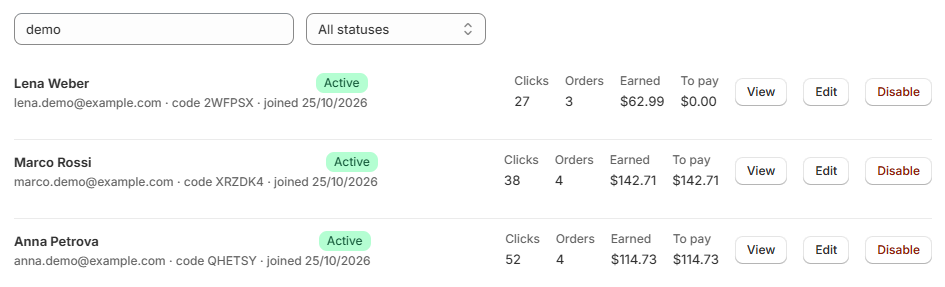
Partners page with the sign-up link - 6
Watch orders and pay partners
Orders paid with partner codes appear in Orders. When commissions are ready, pay partners and record the payout.
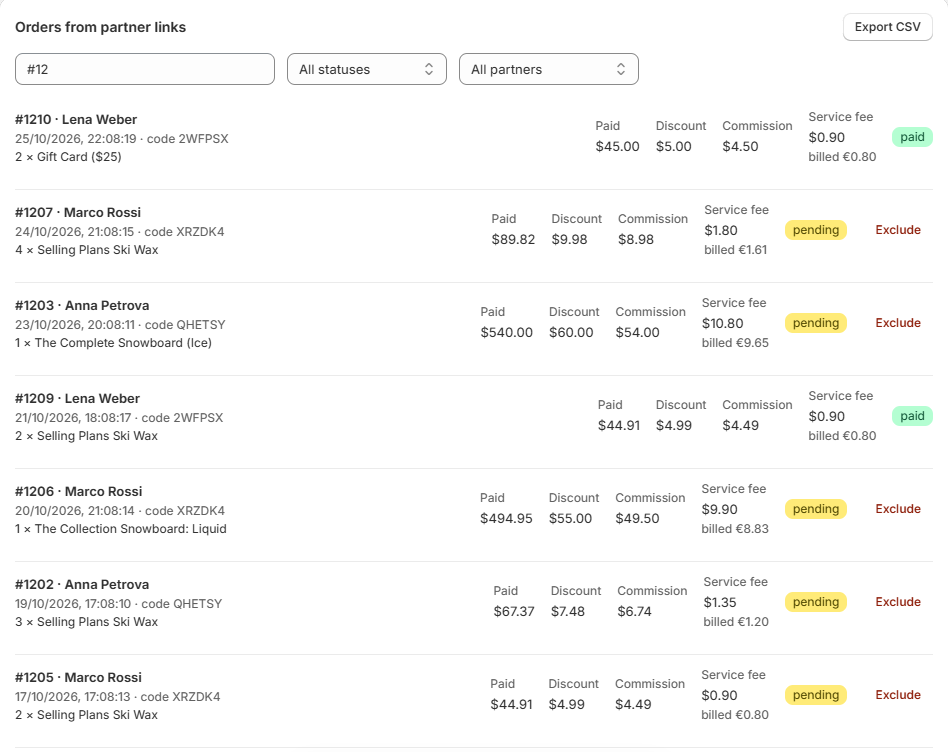
Orders and Payouts pages
Install on Shopify
Stuck? Write to support@hypesoulaffiliate.com.